Tidy Up Together Guides
How to play, invite friends, beat clocks, and find the cat after the August 2026 launch.

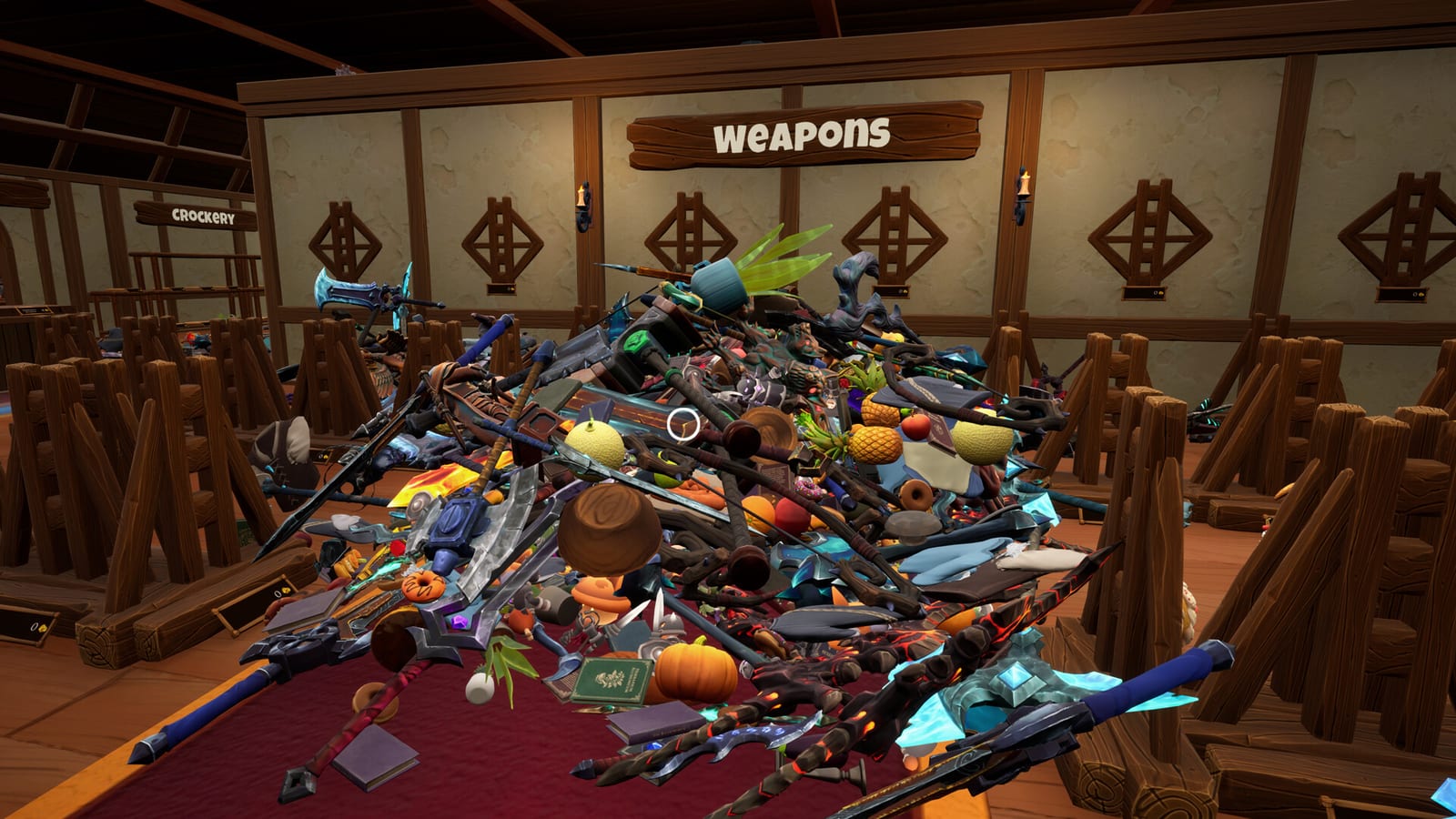
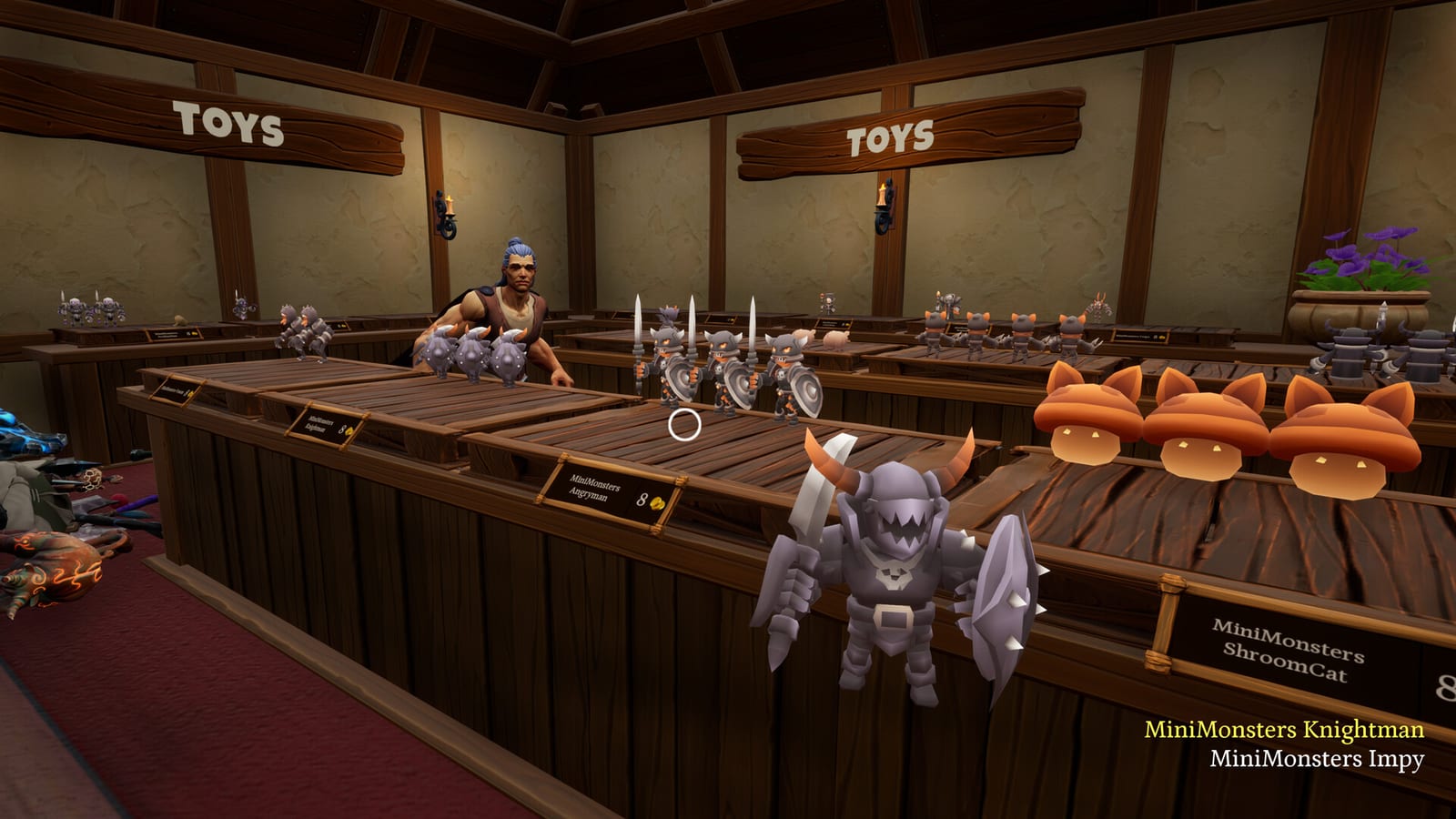
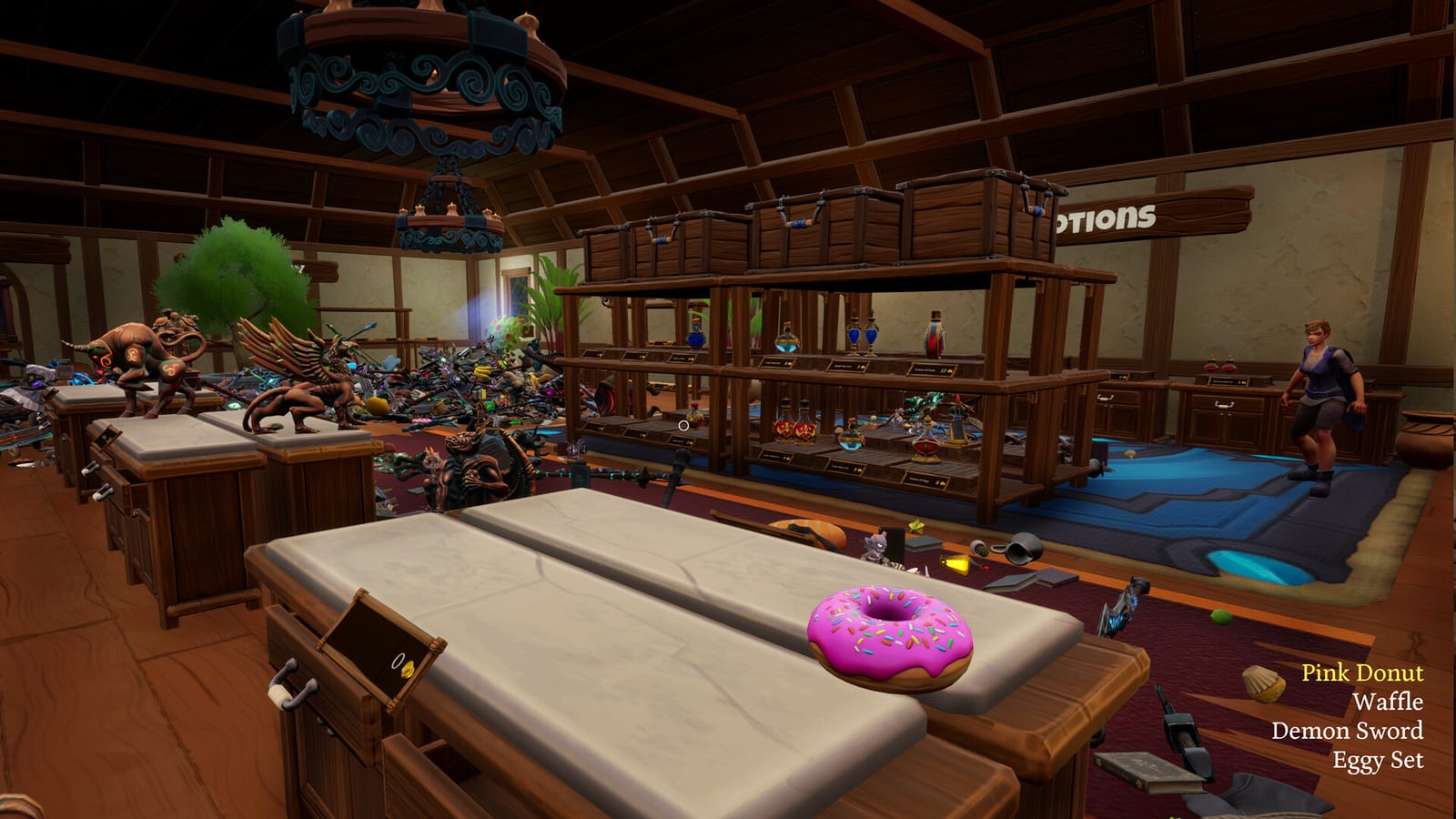
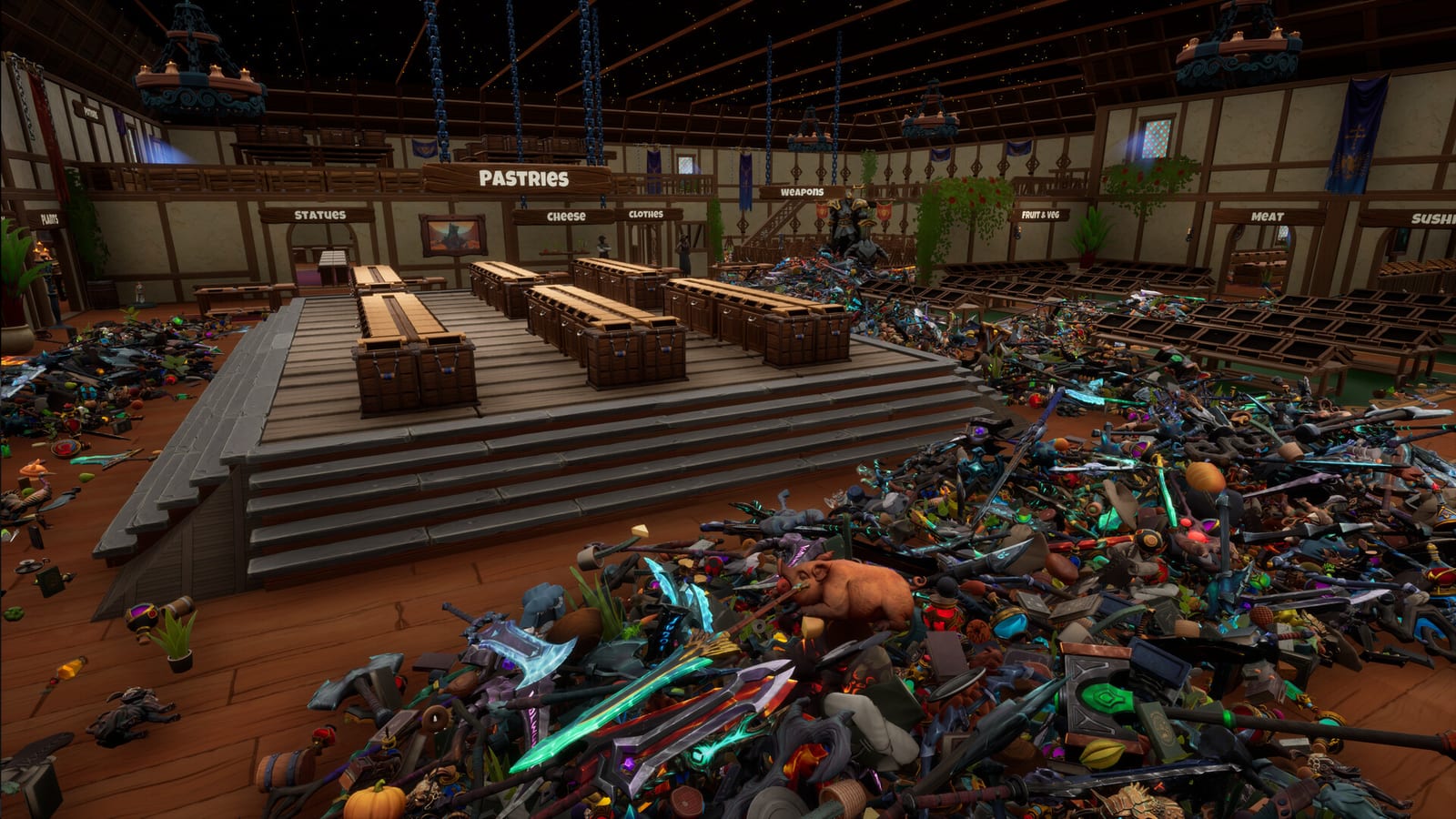
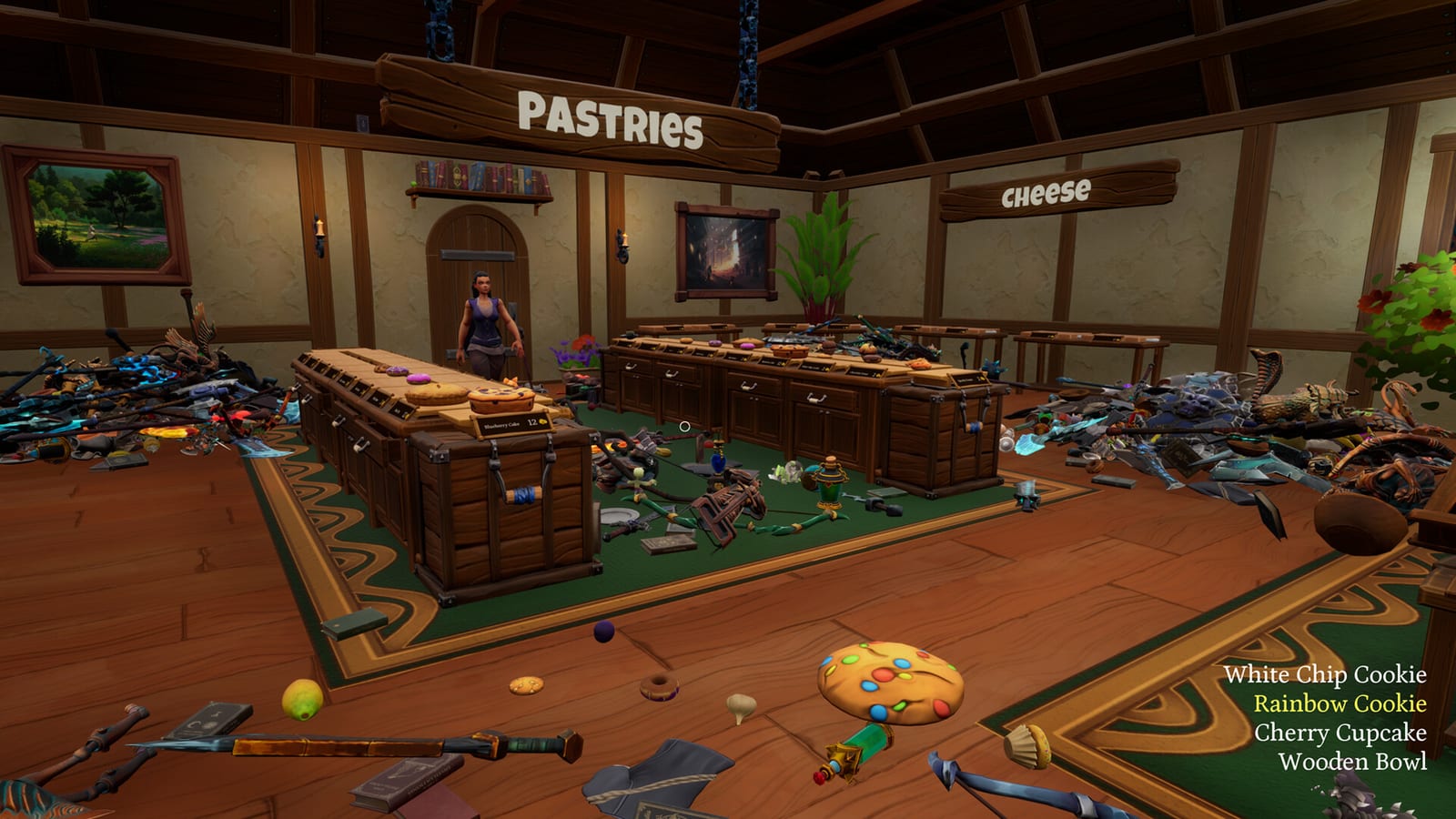
This hub is the map for every how-to on the wiki. Tidy Up Together launched on Steam on 14 August 2026 as a first-person organizing sim from Malum Games. An evil wizard has thrown a tornado through a fantasy Adventurer’s shop, and your job is to put potions, sushi, greatswords, and everything else back on the shelves. There is no fail state and no forced timer. You tidy until the floor is clear, then you see how long it took.
If you are brand new, start with Getting Started. That page is the first-evening route: demo, first shop, first skill, and the one verified long-play video we embed. If you already understand the fantasy but want the mechanical loop in writing, jump to how to play. If your hands are the problem, open controls before you blame the hitboxes.
What these guides solve
Launch players are not hunting Roblox codes. They want to know how pickup and placement work, why coins arrive so slowly, how to invite friends, and whether the Leviathan Store is meant to be a solo marathon. The pages under this hub answer those searches without inventing a skill tree the store page never published.
- Getting Started is the onboarding path from the Steam page to a finished Wyrmling Shop.
- How to play explains the tidy loop, matching shelves, and the green silhouette.
- Controls covers keyboard, mouse, and full controller support without guessing undocumented keys.
- Multiplayer is the invite-friends page for online co-op.
- How to pet the cat tracks the hidden achievement that almost everyone unlocks.
- Time challenges lists the 30-minute, 2-hour, and 20-hour clocks.
- Achievements is the full set of 12 Steam badges, including the no-skills trio.
- Outfits covers the official customization post: looks, colours, and what clothes never change.
When you need floors rather than systems, leave this hub and use the Shops Hub. When you need product types, use the Items Hub. When you need to spend coins, use the Skills Hub.
How to use the wiki during a session
Keep one guide and one tool open. A common pair is how to play plus the shop checklist while you clear Wyrmling. Another pair is upgrade order plus the ability planner once Dragon starts to feel slow. If you are deciding whether to buy at all, read the review and the demo guide first.
The game is English-only on Steam. This wiki adds French, German, and Spanish around that client. Official support still goes to Steam or [email protected], and the studio Discord is linked from the review hub.
Do not confuse this title with Mall: Tidy Up Together, Megastore: Tidy Up Together, or TV Archive: Tidy Up Together. Those are other Steam products. The similar games page also covers Toys Shop Tidy Up, Tidy Mart, and Shelves and Sorcery. This wiki is only for Malum Games’ Adventurer shop, app 4950470. Launch news lives on launch week.
Frequently Asked Questions
Quick answers to the most common questions.
Which Tidy Up Together guide should I read first?
Start with Getting Started if you have not finished Wyrmling. Use How to play if you already launched the game and want the loop in writing.
Do these guides include Roblox scripts or redeem codes?
No. Tidy Up Together is a Steam PC game. Progress is shops, skills, outfits, and achievements.
Where do shop walkthroughs live?
Under the Shops Hub. This Guides Hub stays on how-to systems: play, controls, co-op, cat, clocks, achievements, and outfits.