How to Play Tidy Up Together
The shop-restoration loop, matching rules, and why you cannot brick a shelf.
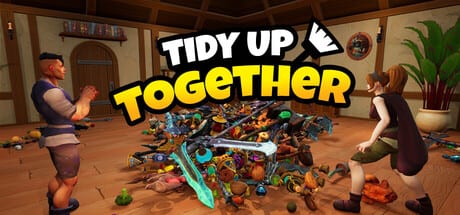
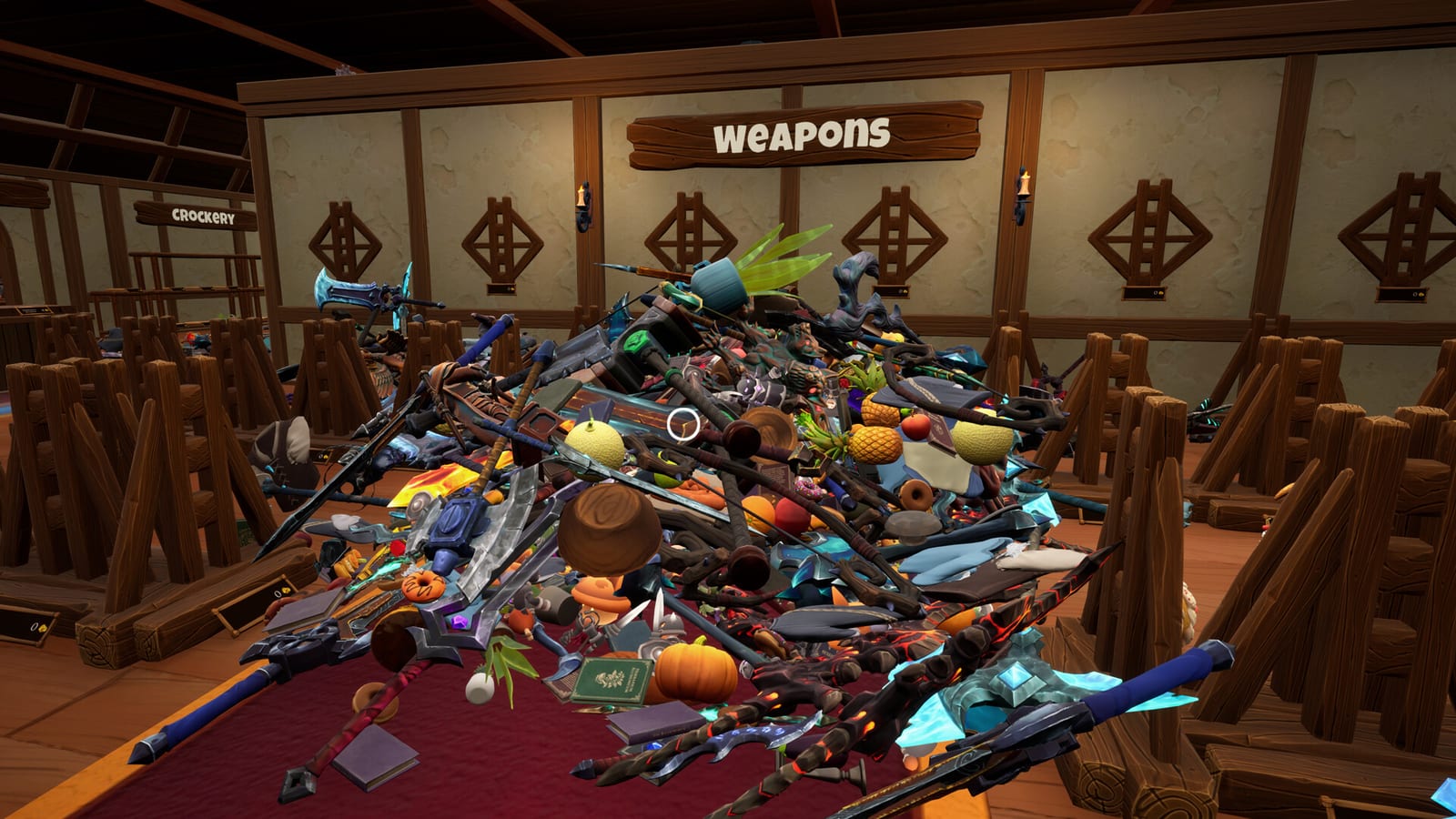
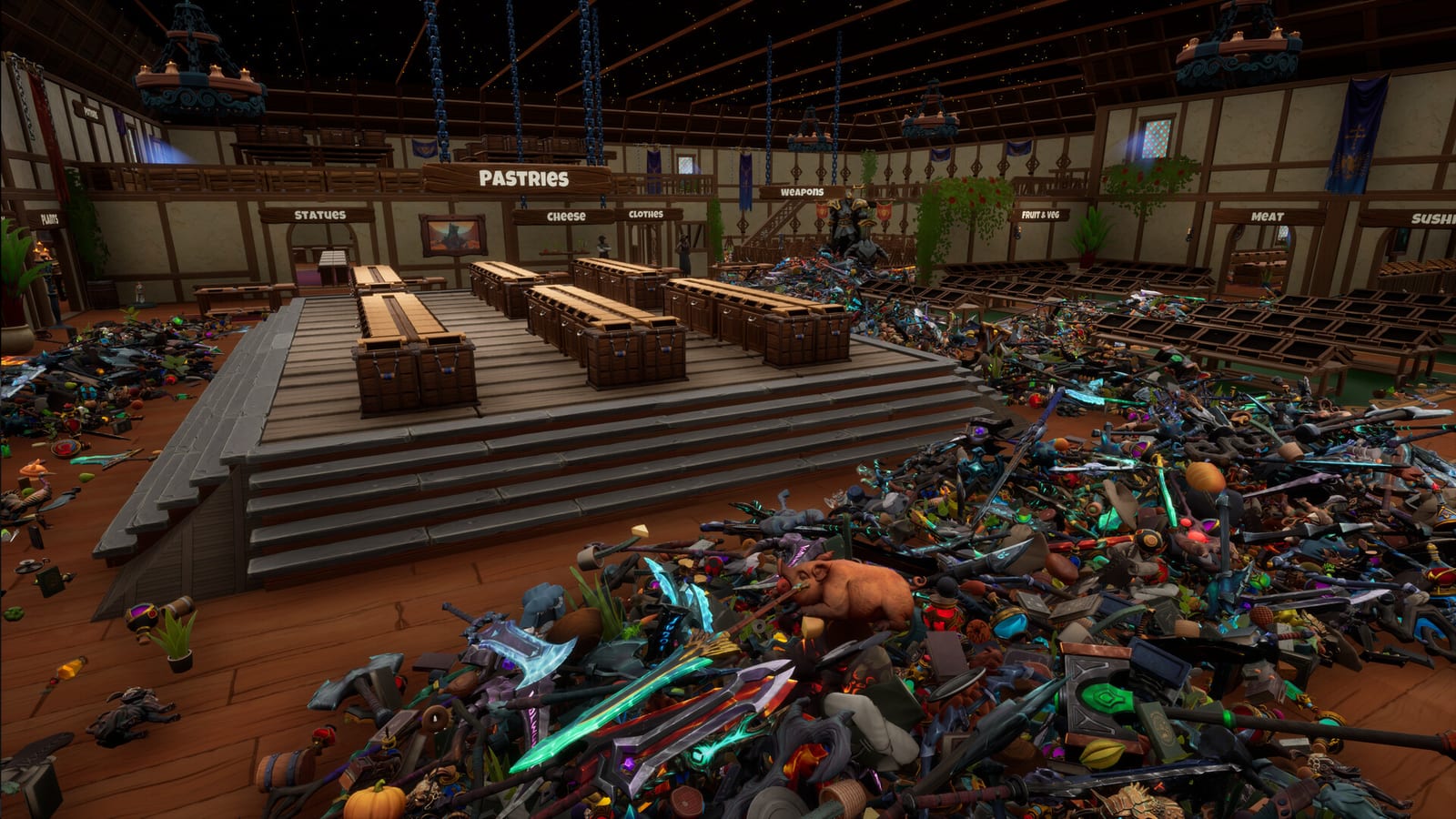
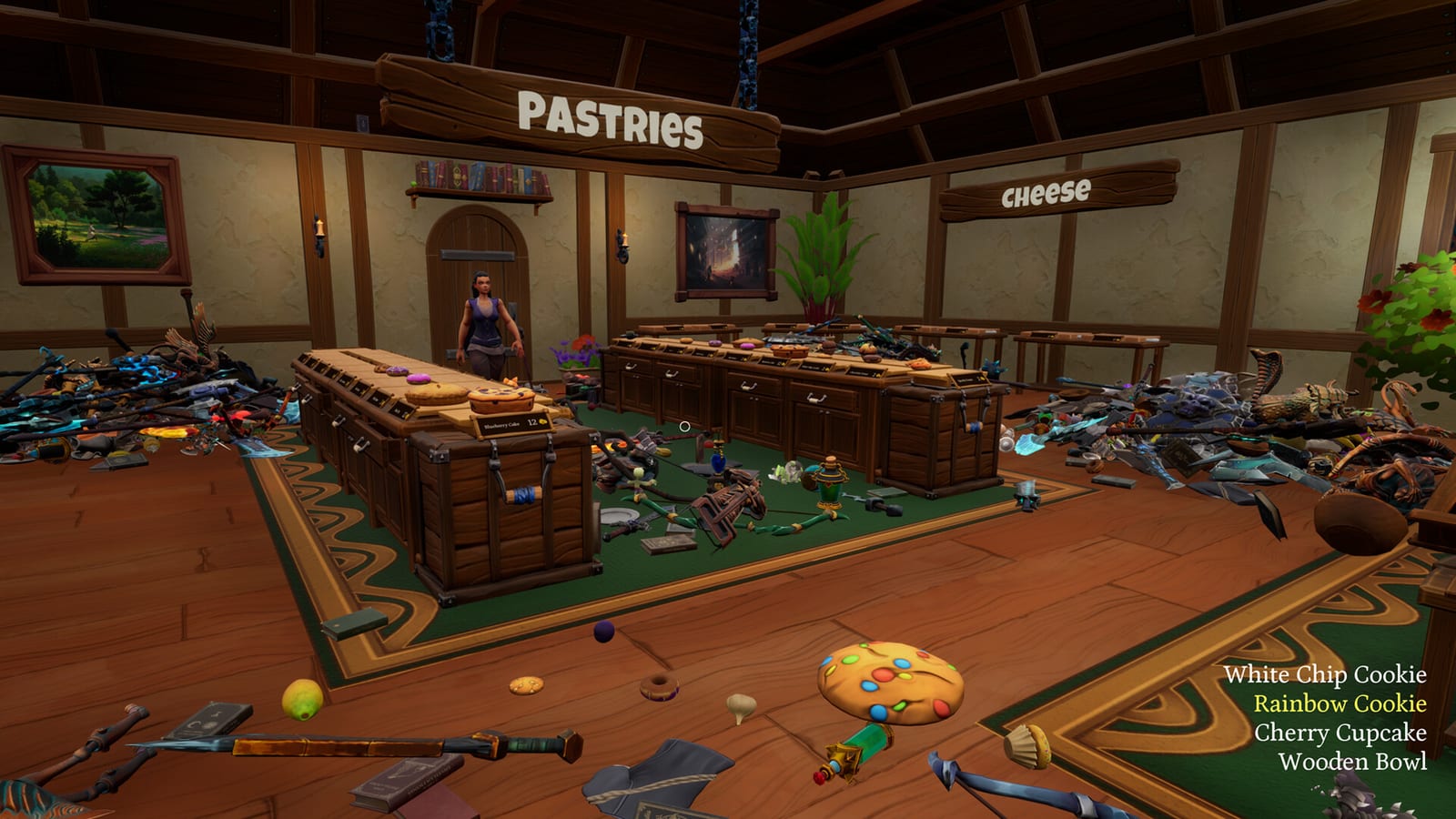
Tidy Up Together is easy to explain and slightly stubborn to master. You are a shopkeep in a wrecked fantasy store. Products that should sit in tidy rows are now a carpet of potions, food, weapons, and clothes. Your only win condition on a normal run is an empty floor. The game then shows a completion time. That time is flavor unless you are chasing the time challenge badges.
This page is the mechanical how-to. For binds, use controls. For the first-evening route, use Getting Started. For floor-by-floor advice, use the Shops Hub.
The tidy loop
Every session is the same four verbs: walk, pick up, carry, place. You can drop a stack if you grabbed the wrong mix. You can save at any time. Steam lists Camera Comfort, Color Alternatives, Custom Volume Controls, and Playable without Timed Input, so the studio is aiming at a low-stress session rather than a reflex test.
Pickup is first-person and aim-sensitive. Launch reviews say the grab and place volumes are a bit tight. If a pineapple will not lift, you are probably aiming at the crate behind it. Strafe, lower the camera, and try again. If a whole pile is wrong, drop what you are holding and rebuild a cleaner stack. The how to find items page goes deeper on hunting.
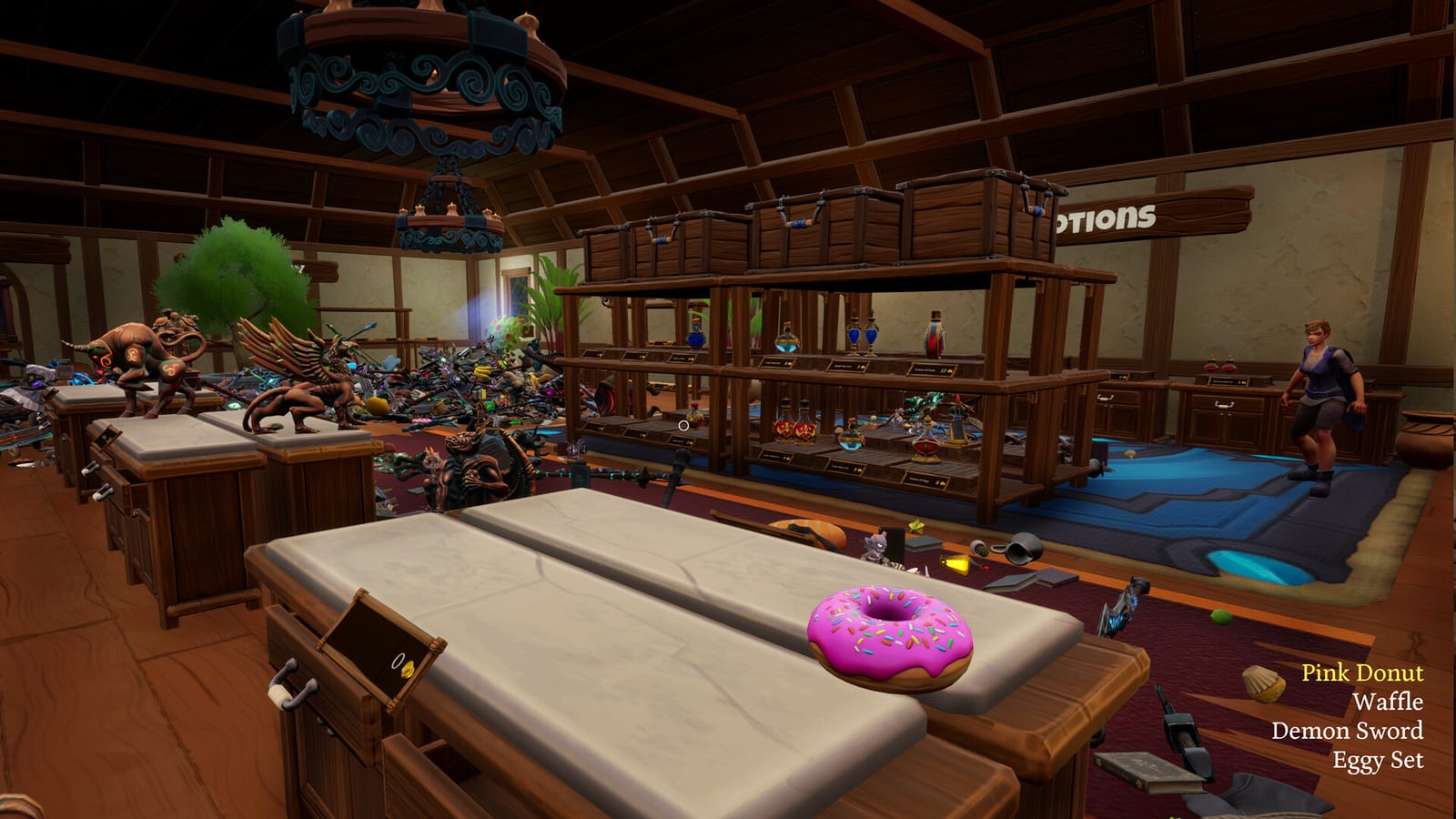
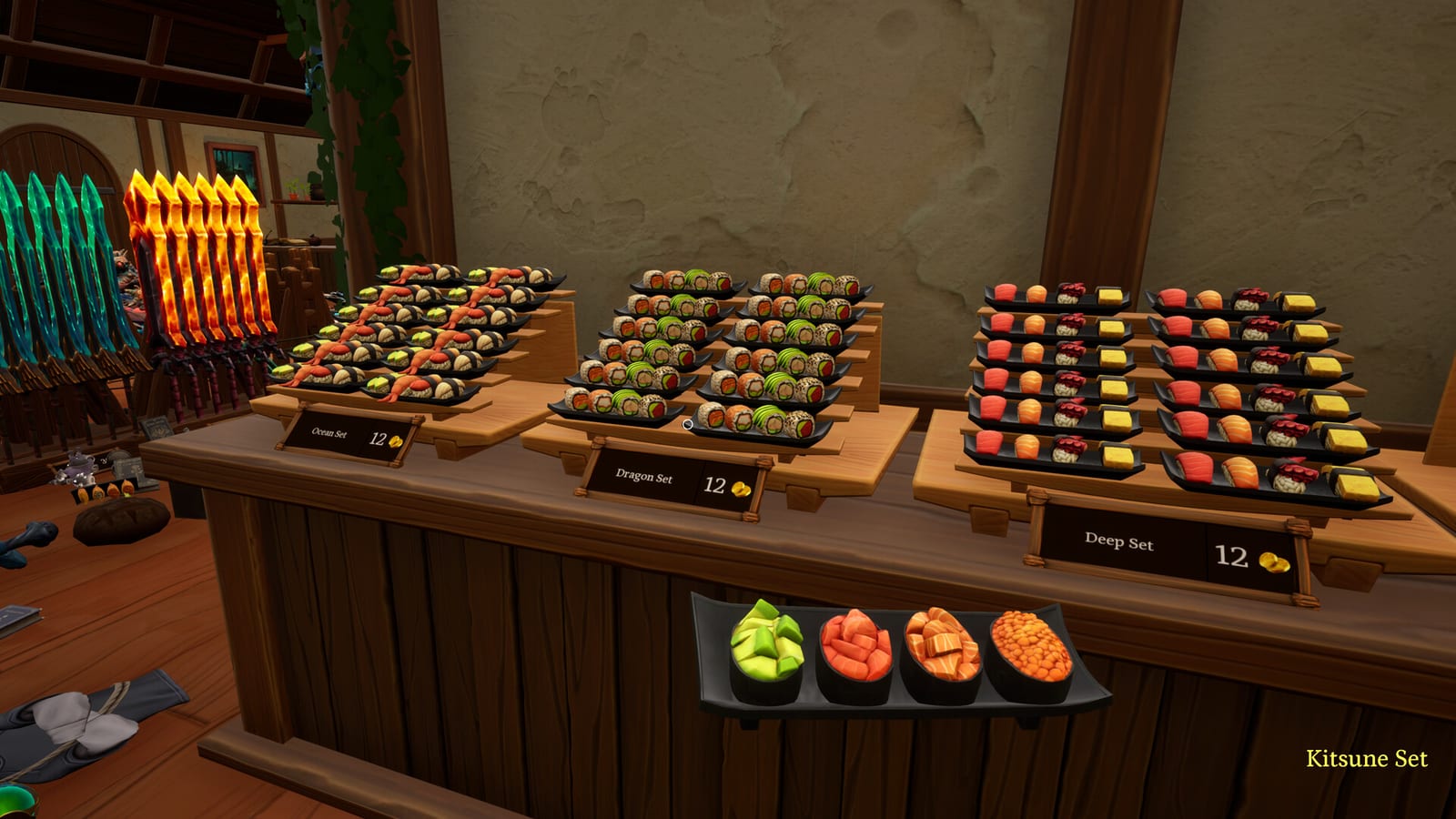
Placement is more forgiving than pickup. Several buyers came from games where every book or can has a unique slot. Tidy Up Together is not that. Products go onto a matching type of shelf. A green silhouette appears when the shelf already holds the same product, or when the game accepts the place. You are not solving a hidden store plan. You are sorting a wreck into categories.
That design is the main split in the launch reviews. Players who want a friendship activity like it. Players who want a brutal planogram call it too casual. Both are describing the same rule. Read the review if you need help picking a side before Leviathan.
Matching, categories, and the silhouette
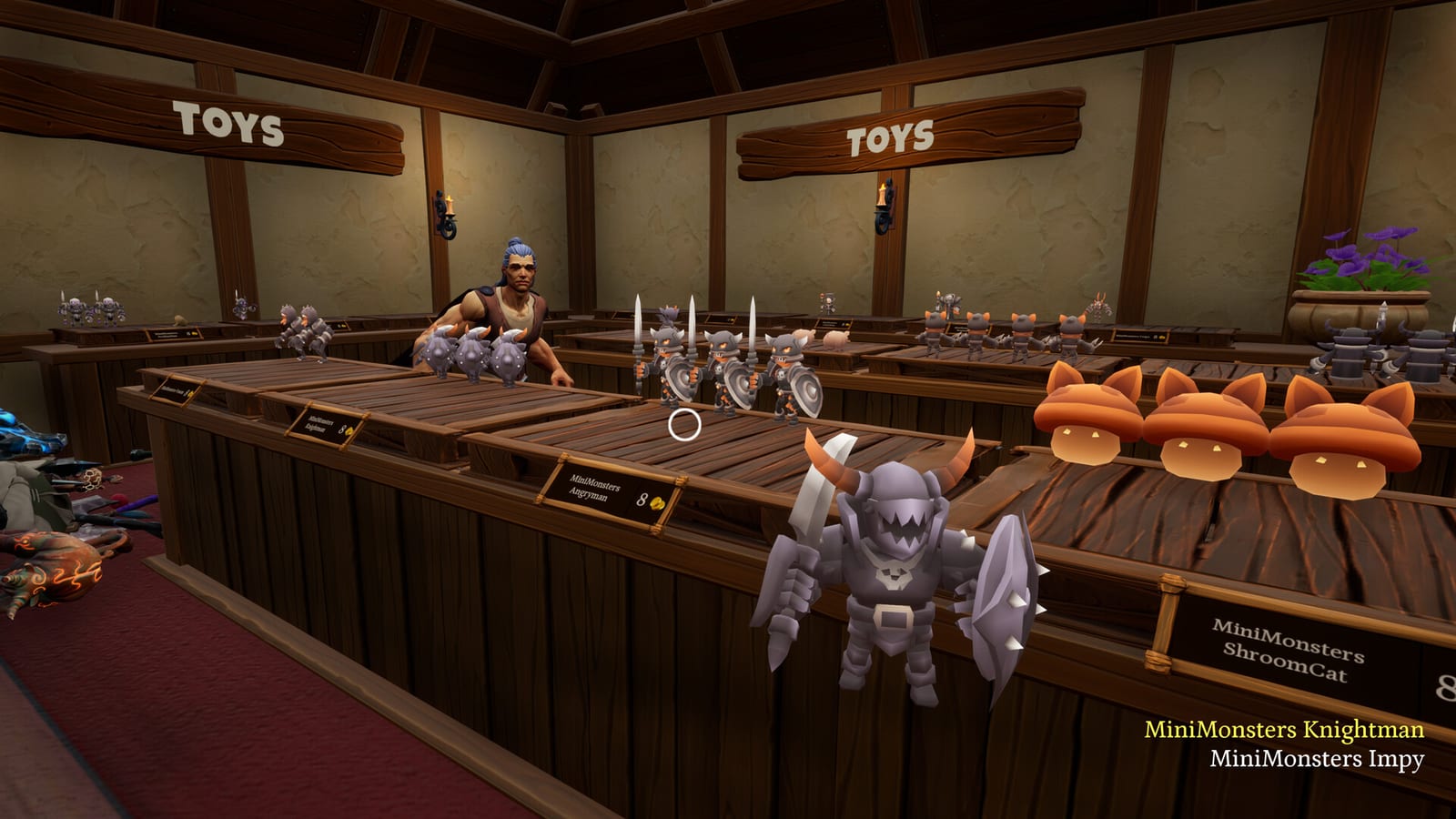
Steam’s full-game copy says 14 categories across three shops. The July press release and the demo page say 12 categories in the full game and three in the demo. This wiki treats 14 as the live store-page number and 12 as older marketing. Confirmed product examples from official text and reviews include potions, sushi, greatswords, shields, pastries, and clothes. The item categories page lists what we can actually name.
Because items are not locked to a single unique cubby, two legal strategies appear:
- Follow the green. Carry one type, walk until the silhouette pops, empty the stack, repeat. This is the calm solo method.
- Zone the shop. In multiplayer, give each person a wing or a category. One player lives in potions. Another lives in weapons. This is how Leviathan stays sane.
There is no auto-shelf button in the sense rival tidy games use that phrase. Launch players who came from those titles called the missing auto-place out by name. What you do get, according to those same reviews, is highlight help for lost items and an auto-grab for matching products once the skill exists. Rank those tools on the skill tier list.
Progress, coins, and why Dragon feels slow
You do not earn a skill point every time a shelf looks pretty. Coins arrive about every two percent of shop completion. That is a slower cadence than per-shelf games, and it is the main mid-game complaint. Carry size and walk speed therefore take real time to grow. If you came here expecting to be a magnet god by the end of Wyrmling, adjust. The upgrade order page is written for that drip.
Normal mode has no fail. You can tidy Wyrmling in a relaxed hour or drag it out with tea. The game still records a time, which is how the optional clocks work. Wyrmling’s speed badge is under 30 minutes. Dragon is under two hours. Leviathan is under 20 hours. Those numbers are Steam achievement text, not guesses.
Solo versus together
The store page is explicit: the game is good in single player, and you can invite as many friends as you like online. Steam’s category flags are Single-player, Multi-player, Co-op, and Online Co-op. That is online help, not a local split-screen claim. If a third-party blurb says local co-op, treat it as a database error. Our facts and the multiplayer page stay on online co-op.
A practical rule of thumb from launch chat:
- Wyrmling: solo is pleasant.
- Dragon: solo is fine if you like a long tidy; co-op is more fun.
- Leviathan: solo is a statement. Co-op is the intended mood.
When the floor is finally clear, look at the time, pet the cat if you have not, and decide whether you want a no-skills rerun. Those dares live on the achievements page.
Frequently Asked Questions
Quick answers to the most common questions.
Can I place the wrong item and ruin a shelf?
Launch players say you cannot really misplace in a punishing way. The game wants matching types and shows a green silhouette when a place is legal.
Is there a time limit on a normal clear?
No. Time is recorded at the end. The 30-minute, 2-hour, and 20-hour clocks are optional achievements.
Why do upgrades feel so slow?
Coins arrive about every two percent of a shop, not per finished shelf. Plan spends with the upgrade order page.
Does Tidy Up Together have auto-shelf?
Launch reviews that compared it to other tidy-up games say no. Highlight and auto-grab are the tools players mention instead.