Tidy Up Together Items
What the tornado left on the floor, and how the shop wants it sorted.
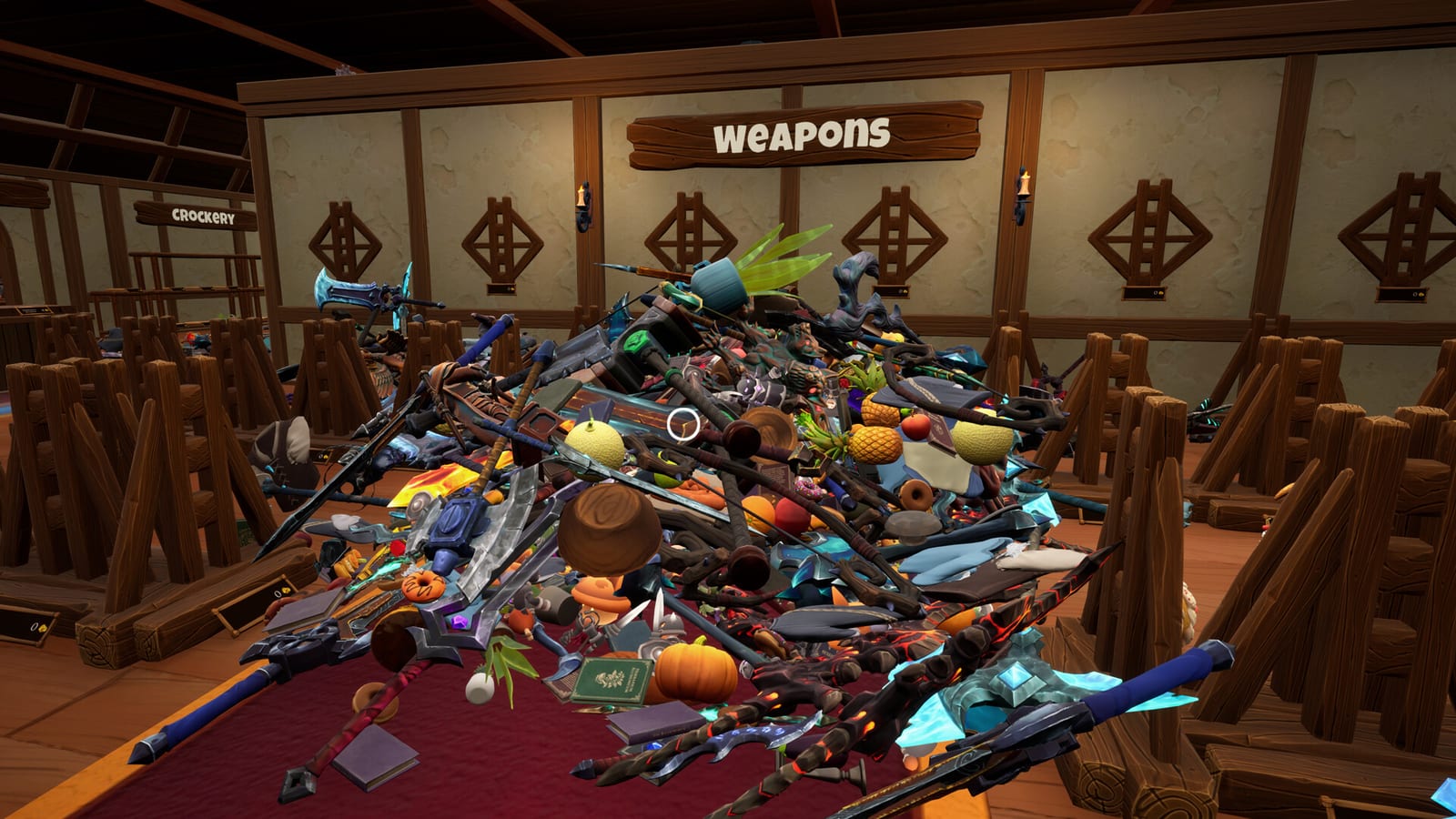
Tidy Up Together is an item game wearing a shop skin. The wizard did not hide a combat loot table. He hid a pile of products that belong on shelves. If you cannot tell a potion crate from a pastry crate, every other guide on this wiki gets harder.
This hub collects what we can name without inventing a full encyclopedia. Malum Games has not published a public 14-row spreadsheet. Steam’s live copy says 14 categories. The July press release and the demo page say 12 in the full game and three in the demo. We keep that disagreement visible. We do not “fix” it by picking a favorite.
Confirmed examples from official text and launch reviews:
- Potions and other glass stock
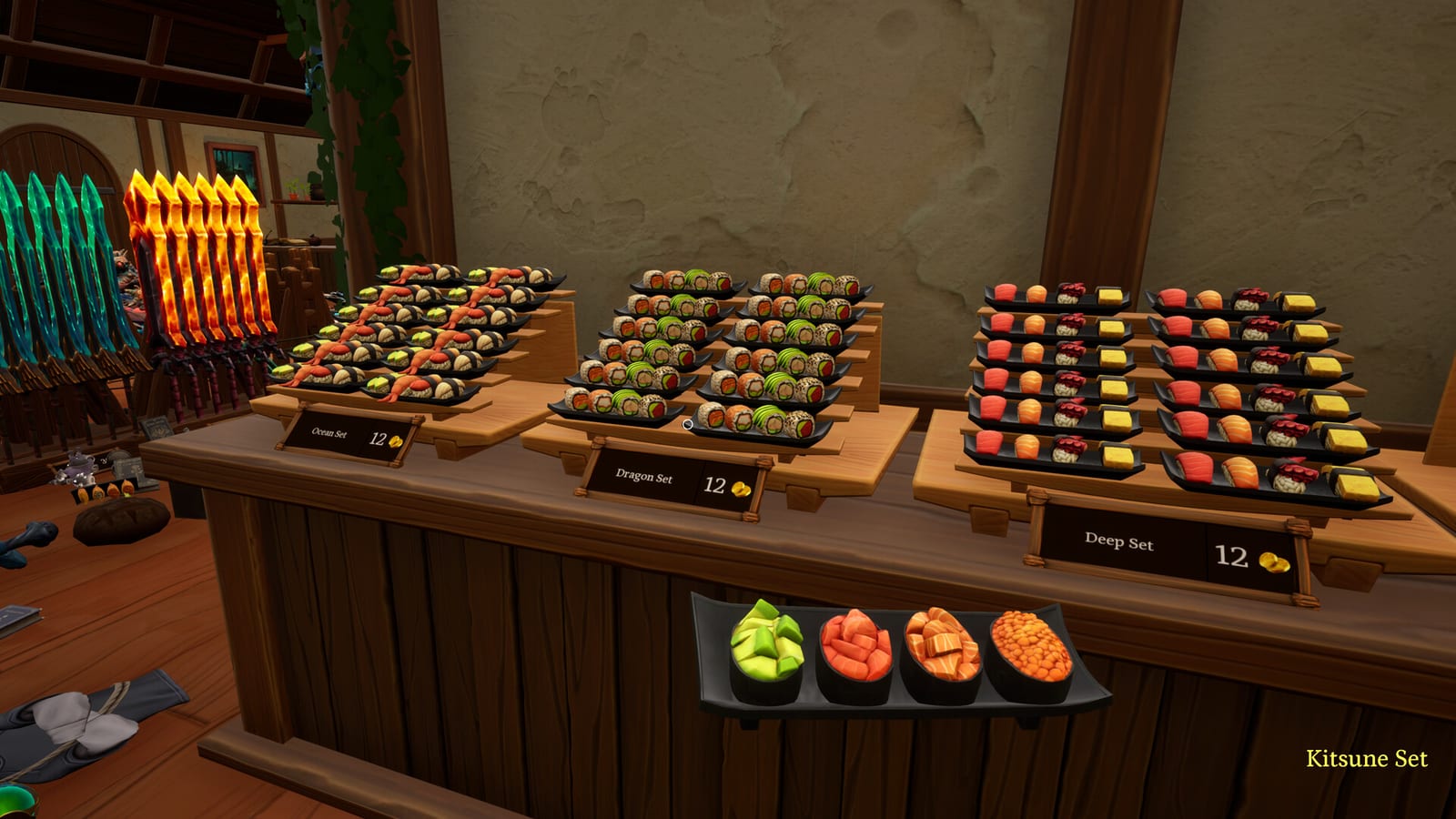
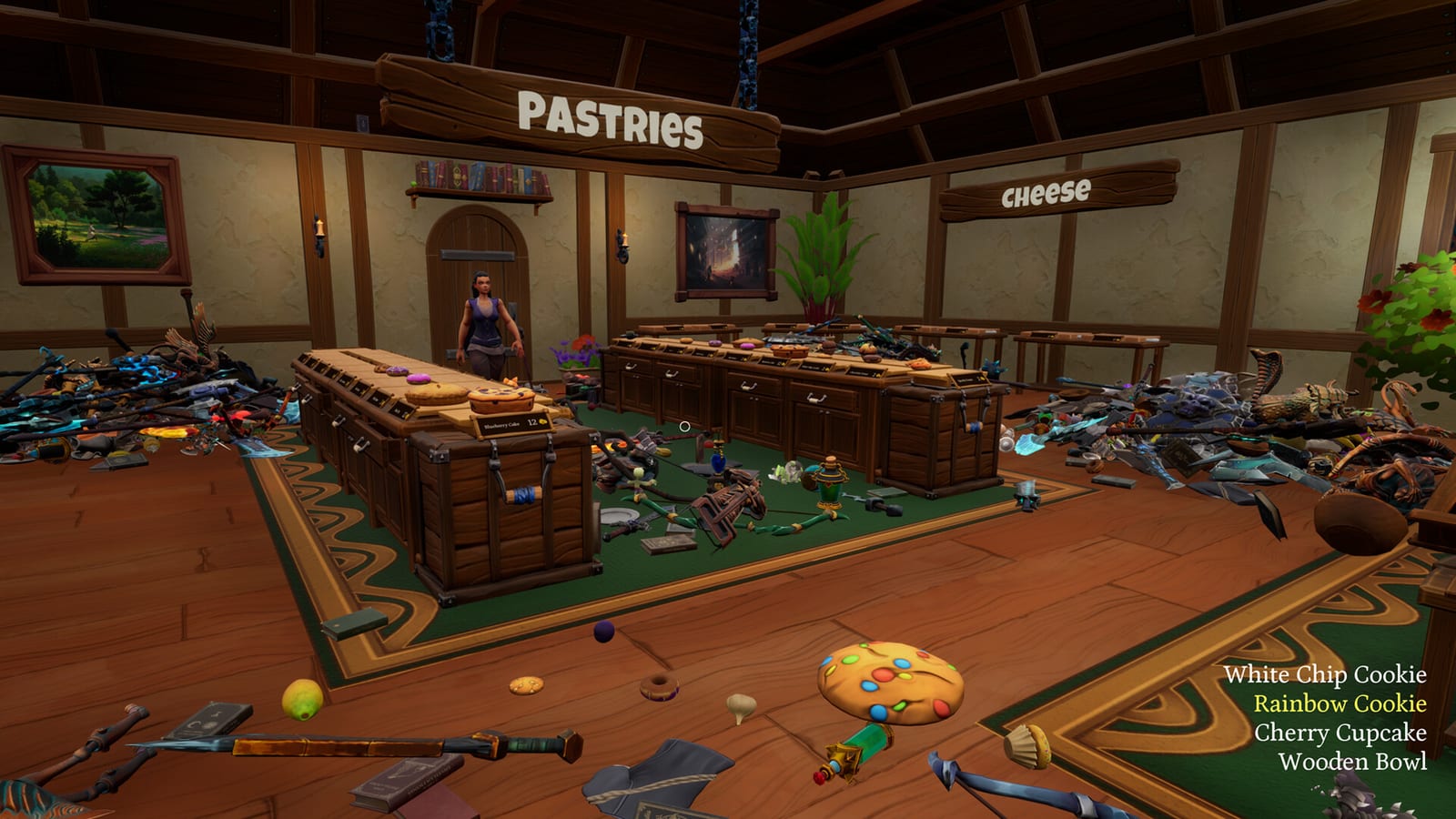
- Sushi and other food, including pastries and the infamous pineapples
- Greatswords, shields, and other adventuring steel
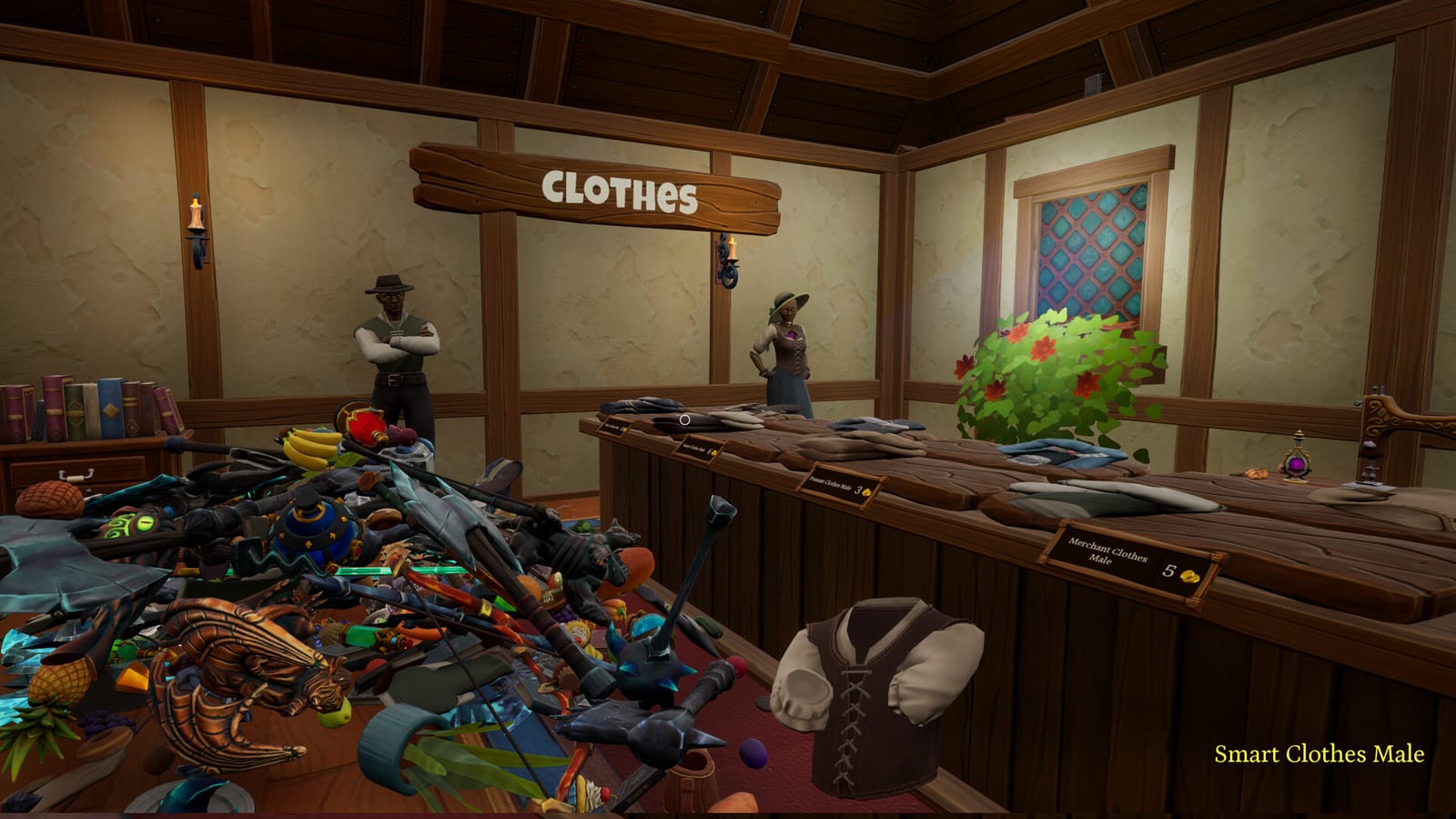
- Clothes and outfit-adjacent shop goods
The joke on the store page is the point: greatswords should not mix with pineapples. Your job is to unmix them. The item categories page expands those families. How to find items is the hunting guide for tight hitboxes and late-shop stragglers.
How items actually behave
Items are not unique puzzle pieces. Launch players who wanted a locked planogram were disappointed. You place a product on a matching type of shelf. A green silhouette appears when the place is legal, especially when the same product is already there. You will not brick a run by guessing wrong in the way some library tidy games punish a wrong book.
That rule is why this hub exists next to the Shops Hub instead of inside it. Shops change size. The item rule does not. Wyrmling, Dragon, and Leviathan all use the same matching language. The demo uses a smaller subset of categories so you can test the feel.
Carry size is an upgrade, not a starting gift. Until coins tick, you haul small stacks. That is why the upgrade order keeps telling you to buy capacity and hunt help instead of waiting for an auto-shelf that launch reviews say is missing.
How to use this hub mid-session
If you are in a shop and lost, open how to find items. If you are arguing with a friend about what “food” includes, open item categories. If you are still learning the loop, go back to how to play. If you need a tick list of floors rather than products, use the shop checklist.
Do not import category lists from Mall: Tidy Up Together or from a Roblox library game. Those lists are other products. This hub only names what the Malum Games Adventurer shop has shown in public text and launch play.
Frequently Asked Questions
Quick answers to the most common questions.
How many item categories are in Tidy Up Together?
Steam's live page says 14. Press and demo text say 12 in the full game and three in the demo. We report the disagreement.
Do items have unique locked slots?
Launch players say no. You match a product to a legal shelf type and watch for a green silhouette.
Where is the full item encyclopedia?
Malum Games has not published one. This hub only lists confirmed families, then sends you to categories and finding guides.